
Speak. It types.
Voice dictation for Windows and Android: it hands you clean text, not a transcript full of filler words. No subscription, no account — it runs on your own Groq key.
Kama Type is a voice dictation app. You speak, your audio goes to Groq on your API key, and clean text — no filler words, no self-corrections — appears in the field your cursor is in. The app is free and needs no account; you pay only Groq, for what you dictate. There is a Windows app and an Android keyboard.
- Windows
- Android
uh… so let's meet tomorrow at three no at four
Let's meet tomorrow at four.
Raw dictation is a mess
Native dictation on your phone or computer gives you speech as-is: no punctuation, full of "uh"s and mid-sentence corrections. You still end up cleaning it up by hand.
Three steps
Press
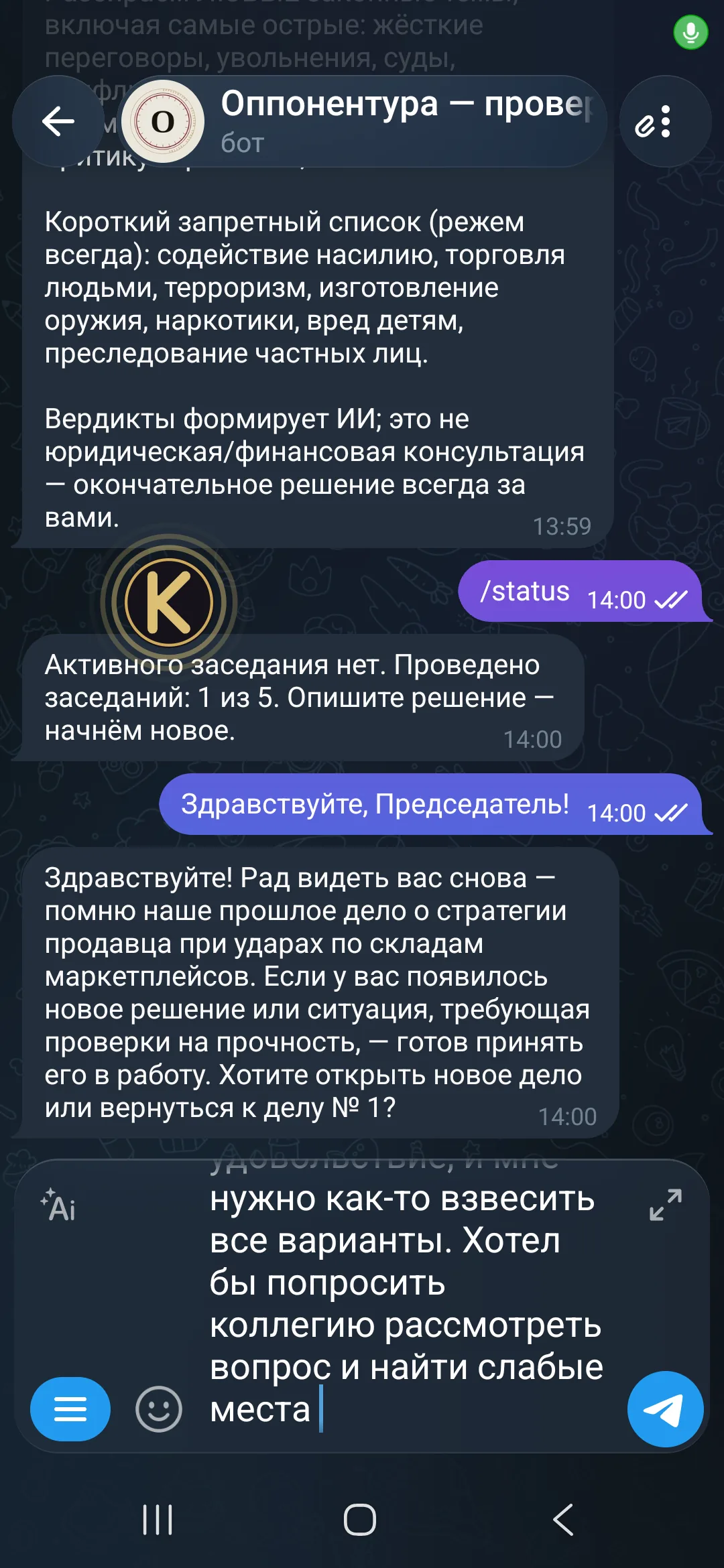
The hotkey on Windows or the floating button on Android — recording starts.
Speak
Talk normally, pauses and self-corrections included — just like in real life.
Get your text
Clean, punctuation-ready text lands right where your cursor is.
It counts the time it gave back
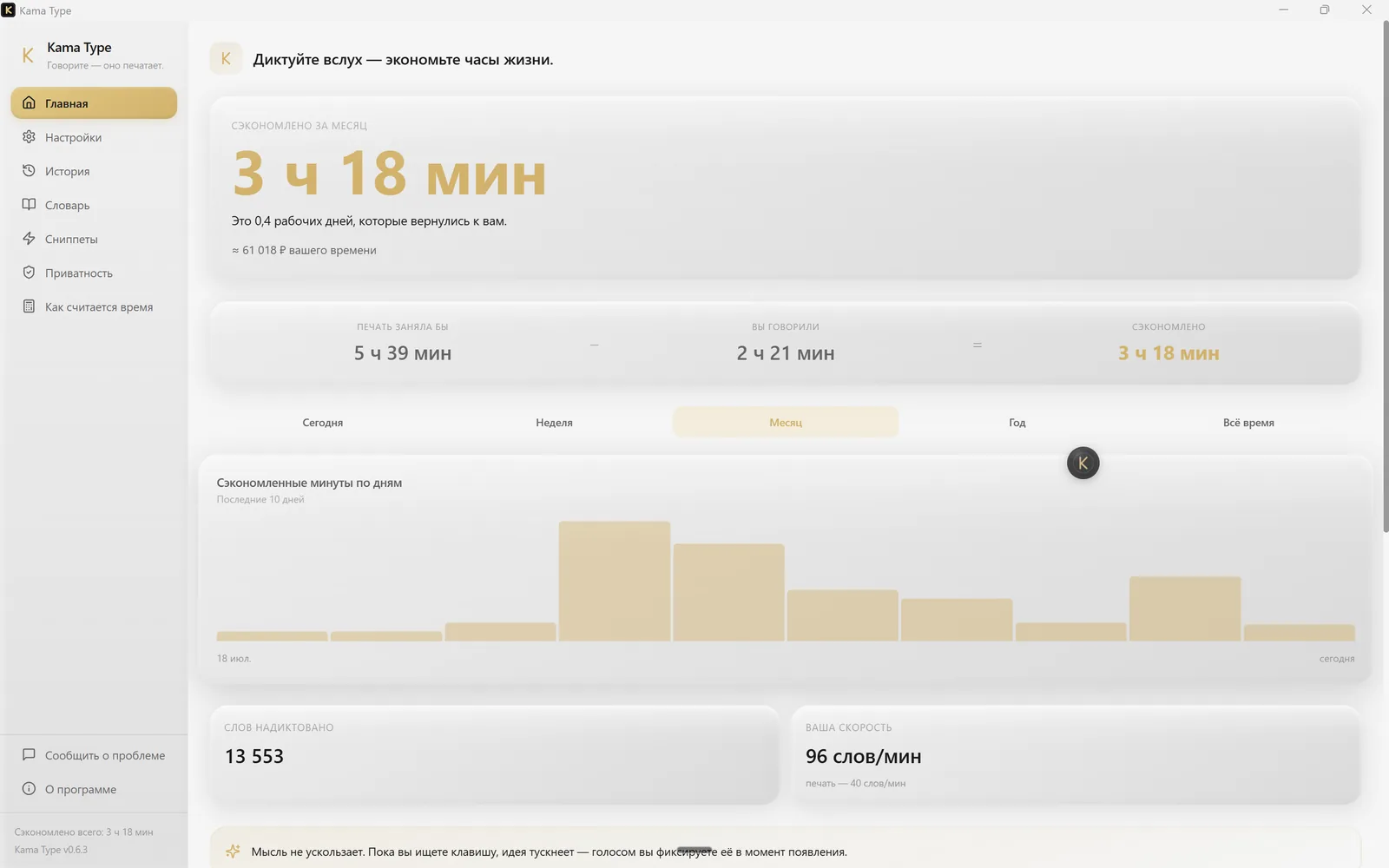
The app's main screen shows the time saved today, this week, this month and this year, a per-day chart and your streak of consecutive days. The formula is simple: the words of the finished text are divided by 40 words per minute — the average typing speed — and the actual length of the recording is subtracted from the result. It is an estimate, not a stopwatch.
Your rate, your money
Enter your hourly rate and the saved hours turn into a sum. It counts at your rate; the app itself is free and takes no cut.
The numbers stay with you
Statistics live in a local database on the device. There is nowhere to send them: the project has no server.
Four pillars
Russian comes first
The cleanup prompt is tuned for Russian, with English supported on equal footing.
Windows and Android
The Windows desktop app and the Android keyboard are both available to download. They share the cleanup logic — the same prompt and the same dictionary.
Bring your own Groq key
Runs on your own Groq key. Groq's free tier goes a long way, and there's no subscription to Kama Type itself.
Nothing is stored
No account, no dictation history sent to a server — only what's needed to insert your text.
What else is inside
Your own dictionary
Surnames, brand names and terms that transcription usually mangles are yours to define.
Snippets by voice
Say "add signature" and the whole boilerplate lands in the field.
History on the device
Every dictation in a local database: search it, copy from it, clear it. There is no server.
Floating button
On Android it appears by the text field and disappears the moment the text is inserted.
Long speech
A long recording is split and rejoined by itself — for you it is one dictation.
Setup that checks itself
Onboarding does not move on until the key has actually answered.
How it differs from Wispr Flow
Same idea — voice instead of a keyboard. A different take on price, privacy, and who gets to see your voice.
How it works under the hood
- Your Groq key lives on your device, not on our servers.
- Audio goes straight to Groq for transcription — no server of ours sits in between.
- We don't run a server that ever sees your voice or your text: it's just you and Groq.
- One exception — the "Report a problem" form: the text you submit there passes through our server. Your voice and your dictated text never do.
Free
Kama Type costs nothing. Speech is transcribed by Groq on your own key, and Groq's free tier goes a long way.
Groq's free tier allows up to 8 hours of audio and 2,000 transcriptions a day, and the limits reset daily. An hour of dictation a day barely touches them, and no card is needed to sign up. If you need more, write to support@kamatype.app. Groq limits checked 27 July 2026.
Ready to try it?
Download the file, paste your Groq key, and you're dictating. Windows 10 or newer, or Android 7.0 or newer.