
Features
Ordinary speech runs at about 140 words per minute; typing runs at about 40. Kama Type gives you the difference back.
Kama Type turns speech into finished text: it transcribes, strips the hesitations and self-corrections, applies your own terms, and inserts the result where your cursor is. Everything that doesn't have to leave for transcription stays on the device.
Below is what actually works in the current builds: 0.7.10 for Windows and 0.8.8 for Android. Anything limited to one platform is marked.
On this page- Clean text, not a raw transcript
- Time saved, and how it is counted
- What this is worth to you
- Your own dictionary of names and terms
- Boilerplate you insert by voice
- Your history stays yours
- A floating button that knows when to disappear
- A long thought needs no chopping up
- Tone that follows the window you are writing in
- Selected text as the task
- Translation on the fly
- Setup that checks itself
- A failure does not eat your recording
- Your keys, your provider
- Nothing extra inside
Clean text, not a raw transcript
Windows and AndroidA verbatim transcript almost always needs editing: it keeps the "uh", the repetitions, the abandoned sentence starts and the self-corrections like "on Wednesday — no, Thursday". Kama Type passes the transcript through a language model that removes the debris of speech and adds punctuation, without retelling you in its own words.
- Filler words, repetitions and abandoned starts are removed
- A self-correction like "no, Thursday" becomes the final version
- Your speech is data to the model, not a command: dictating "write a reply to this email" stays text instead of being carried out
- Typical transcription hallucinations — "Thanks for watching" over silence — are filtered separately
Time saved, and how it is counted
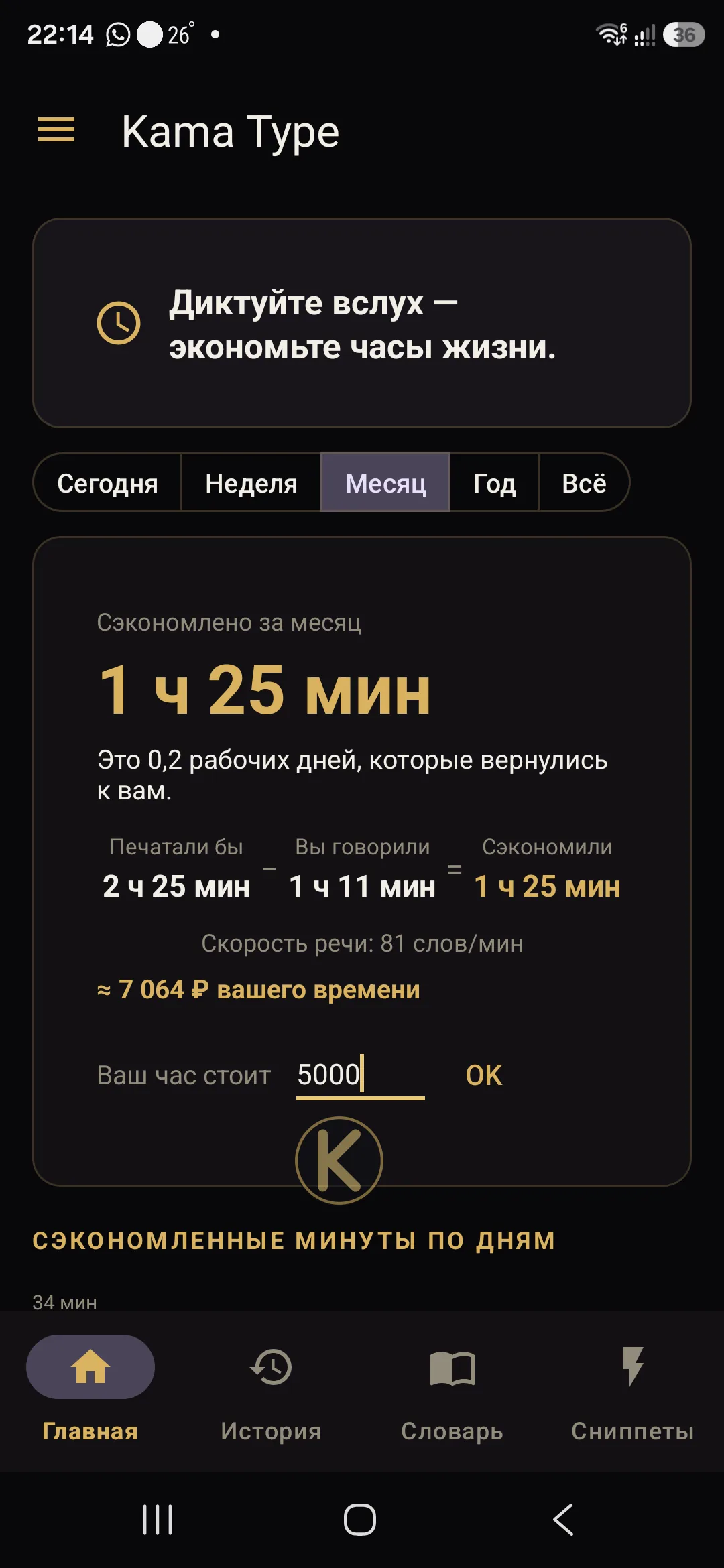
Windows and AndroidThe app's main screen shows how much time you saved today, this week, this month, this year and overall, a per-day bar chart and your streak of consecutive days. There is no magic in the number, and here is the exact formula.
- The words in the finished text are divided by 40 words per minute — the average typing speed from a study of more than a thousand people
- The actual length of your recording, measured from start to stop, is subtracted from that
- The difference is the saving; the chart axis is in minutes
- It is an estimate, not a stopwatch: the baseline typing speed is fixed and your personal one is never measured
- All statistics live in a local database on the device and are never sent anywhere
What this is worth to you
Windows and AndroidSettings let you enter your hourly rate and currency, and the saved time is then also shown as money. The app simply converts saved hours at your own rate; the valuation is yours, not ours.
- You enter the rate; the field starts empty
- The app itself is free and takes no cut
- The only cost is transcription minutes at Groq, billed to you directly
Your own dictionary of names and terms
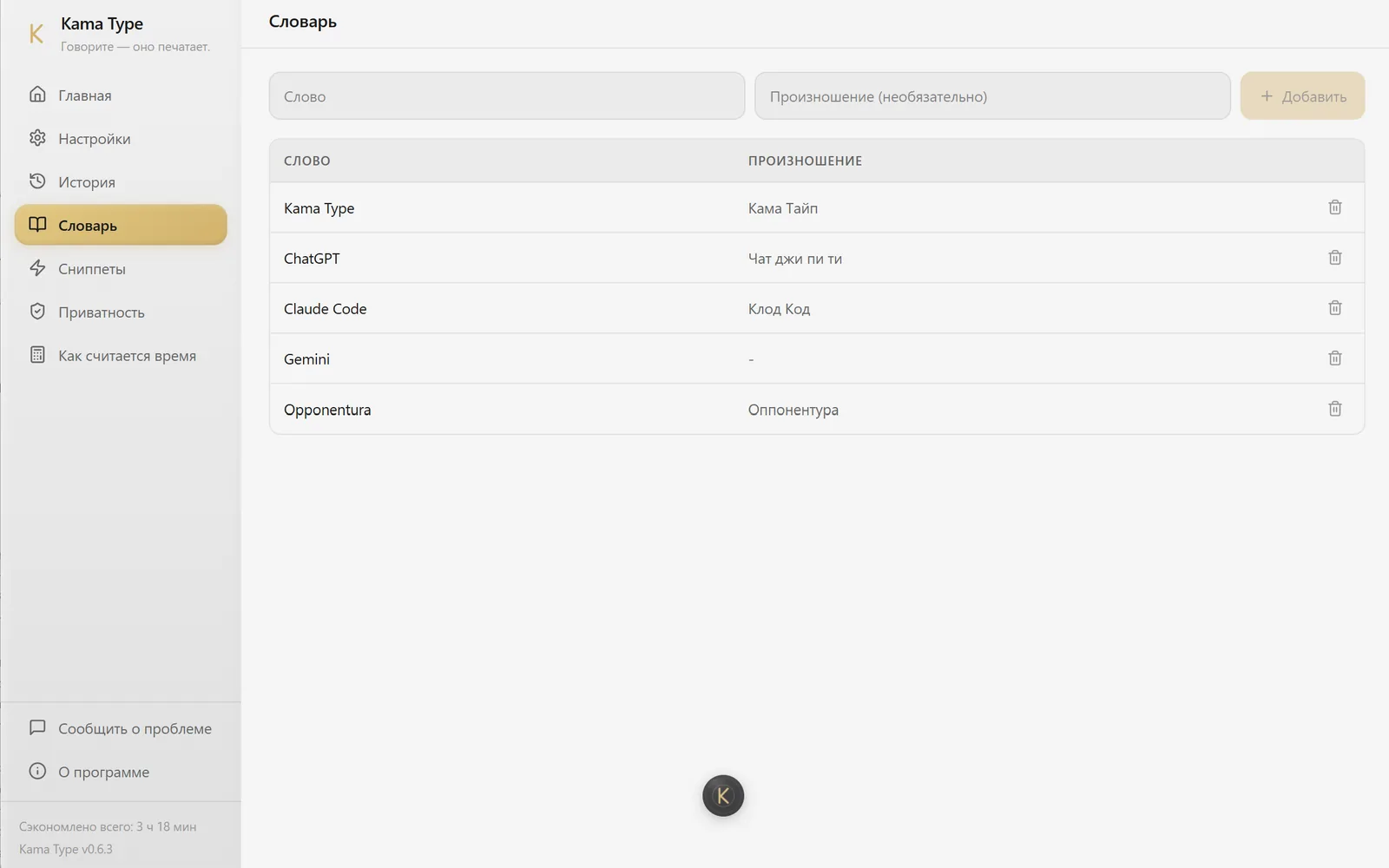
Windows and AndroidTranscription stumbles on surnames, brand names and professional jargon — especially when Latin script appears inside Russian speech. The app keeps a dictionary you fill in yourself: the word and, if needed, how it sounds.
- On Android your terms are passed to the cleanup model so that it spells them correctly
- On Windows the dictionary applies when the recognition language is left on «Auto»
- The dictionary is stored on the device, edited inside the app, and starts empty
Boilerplate you insert by voice
Windows and AndroidA signature, bank details, the paragraph you retype every day. Say "add signature" and your snippet takes the place of those words.
- A trigger fires only after the command word "add" — ordinary speech containing "signature" inserts nothing
- On Windows, when one trigger contains another, the longer one wins
- Snippets are stored on the device and the list starts empty
Your history stays yours
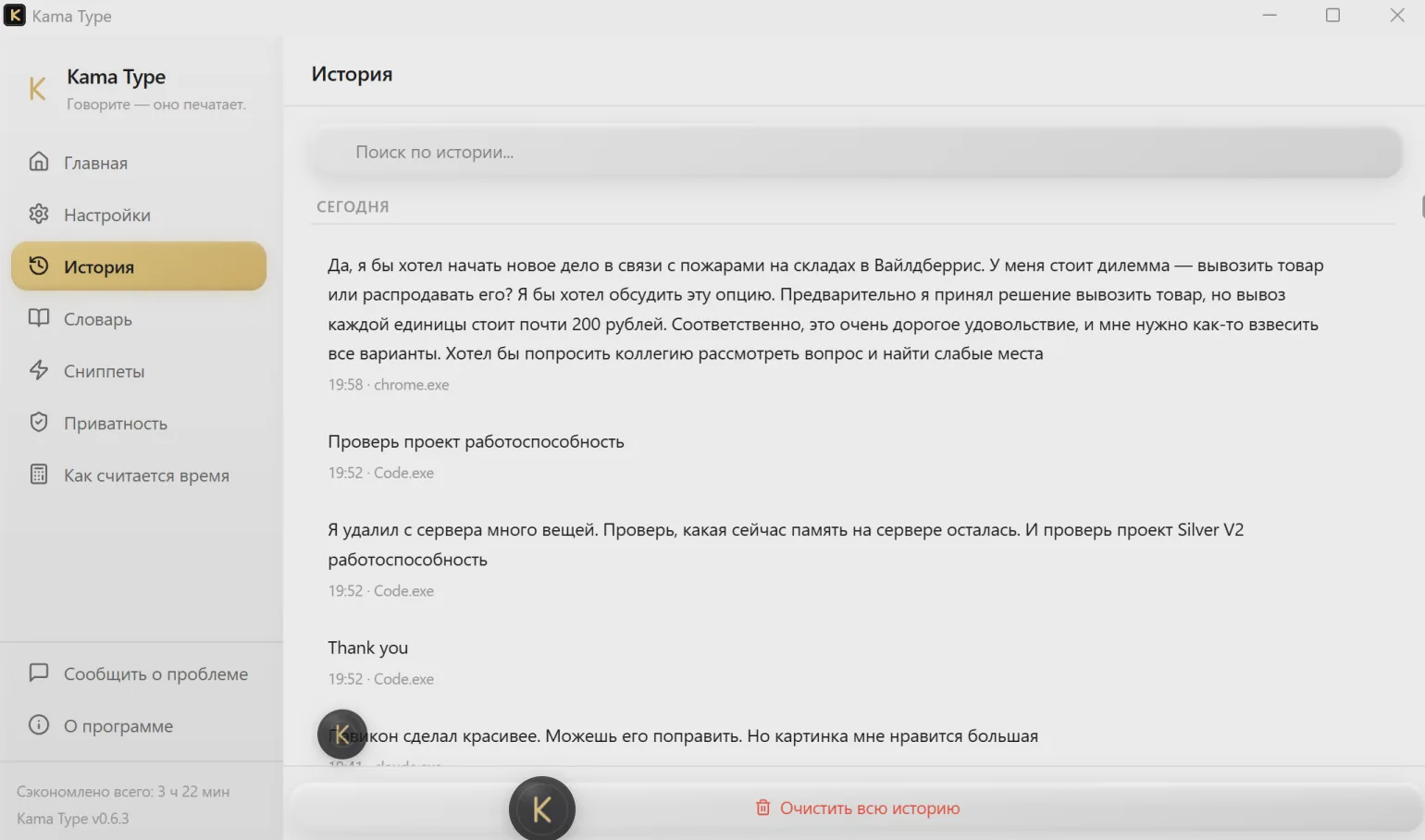
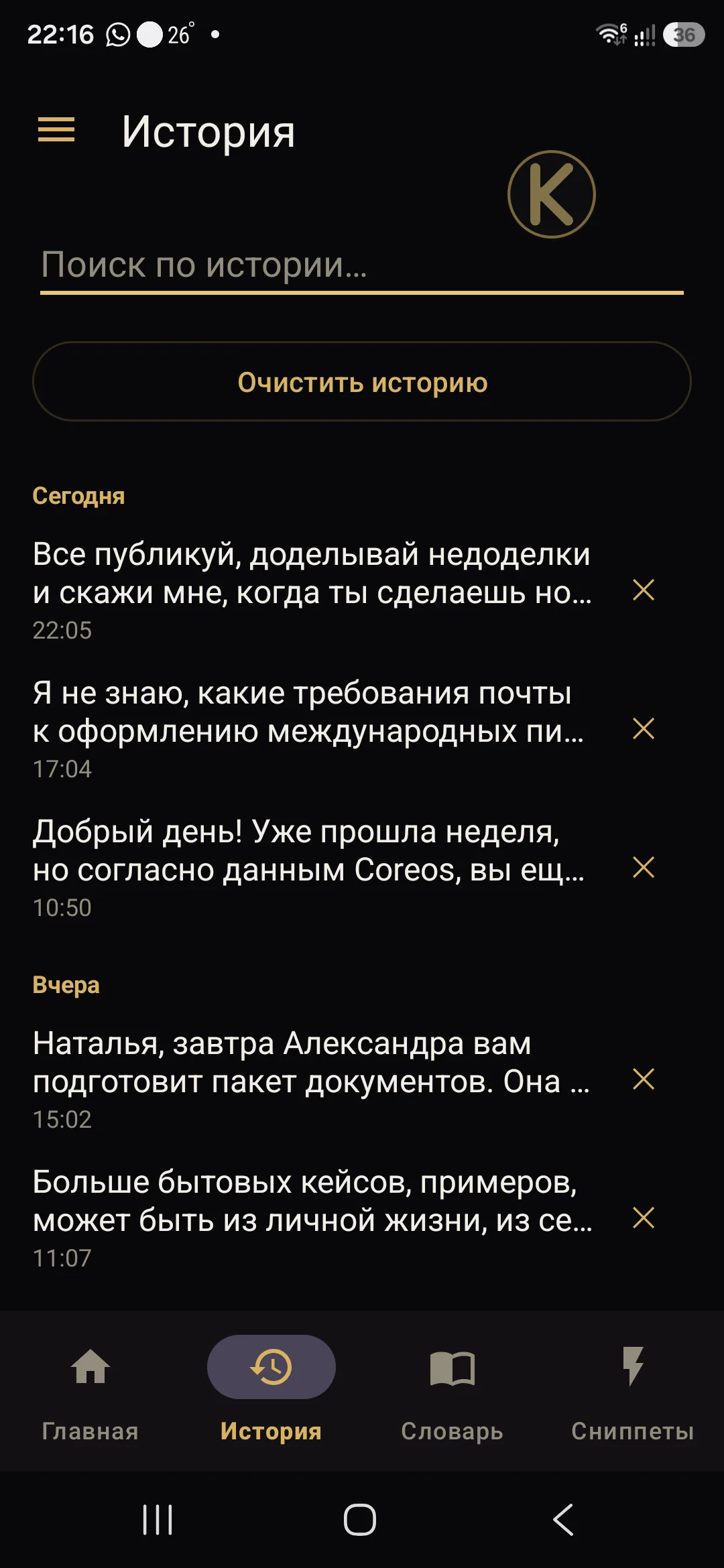
Windows and AndroidEvery dictation is saved to a local database on the device itself, so you can find yesterday's text and copy it again. That database is never synchronised: the project simply has no server to send it to.
- Search by text and copy any entry
- Clearing the history also resets the statistics
- On Android you can delete a single entry and retry a failed one — the audio for the retry is kept on the same device
A floating button that knows when to disappear
Android onlyOn Android you can dictate inside any app, not only through the keyboard. The button appears when the cursor lands in a text field and disappears the moment the text is inserted, instead of covering what you are writing.
- While recording it shows expanding rings; while processing, a spinning indicator — so you can see the app is working, not frozen
- After insertion it hides immediately and does not pop back into the same field
- Size and transparency are adjustable
- If insertion failed, the button stays with an amber ring — tap it to retry
A long thought needs no chopping up
Windows and AndroidTranscription services cap the size of a single request, so a long recording fails on their side. Kama Type splits it up itself, sends the parts in order and joins the result — for you it is one dictation.
- On Windows the recording length is a setting — from 10 seconds to an hour, 30 seconds by default
- On Android recording is not time-limited: you decide when to stop
- If transcription fails, the recording is not lost — the audio is kept on the device
Tone that follows the window you are writing in
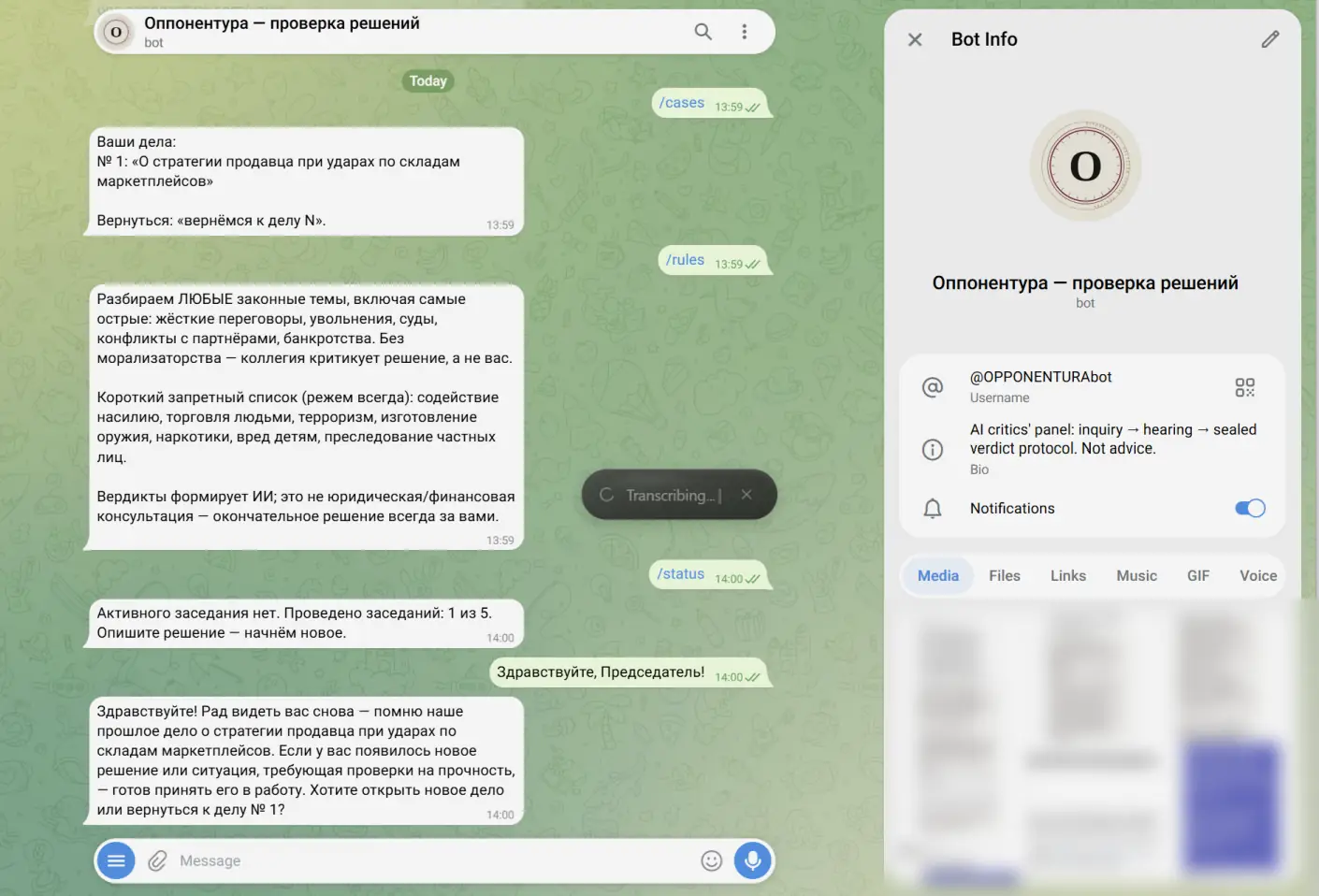
Windows onlyAn email, a chat, a code editor and a document each call for a different register. On Windows the app detects the active window and mixes the matching style into the model's instructions — more formal in mail, shorter in a messenger.
Selected text as the task
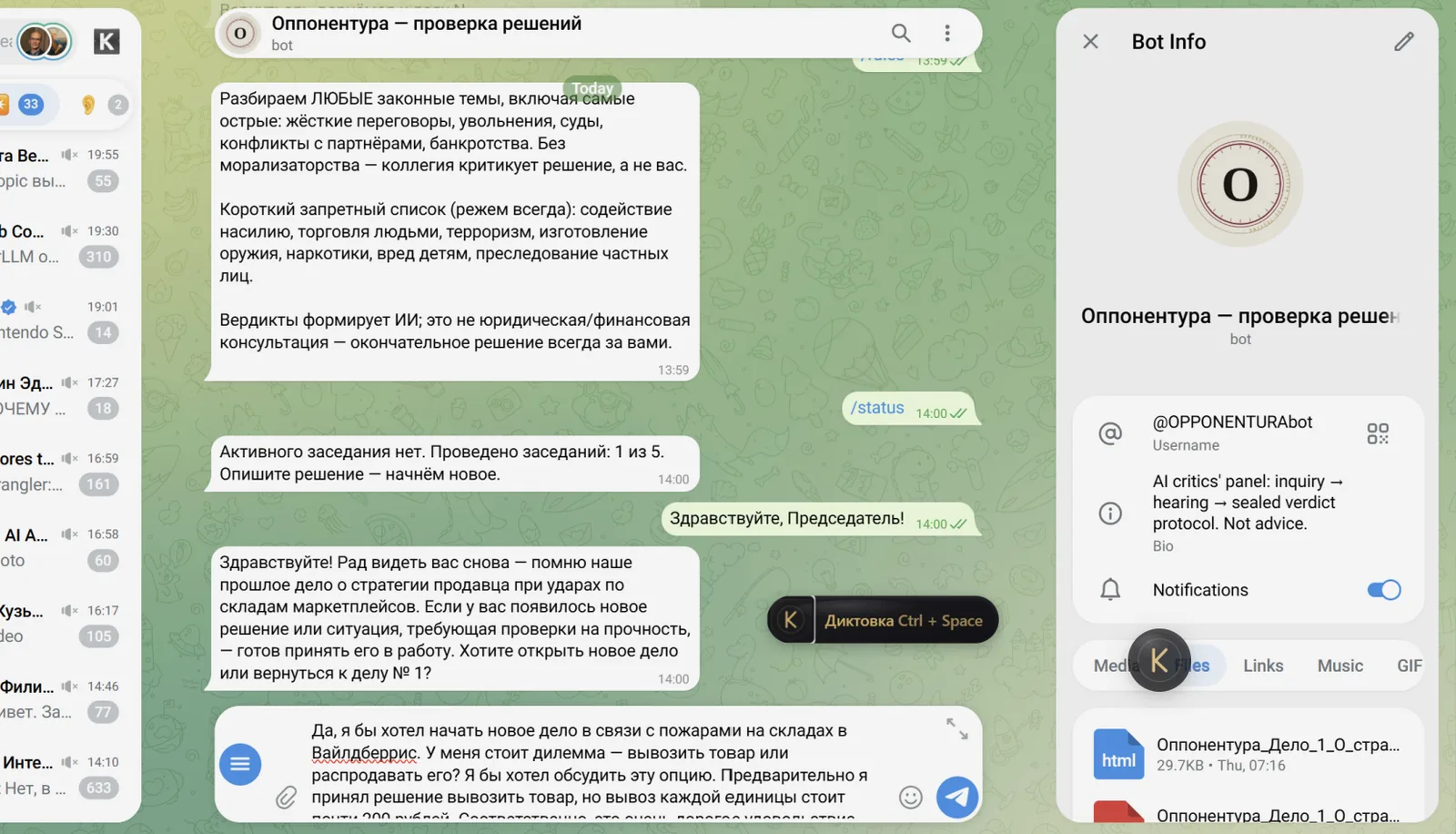
Windows onlyTurn on the selection mode and the app picks up whatever text is selected in any window, so your phrase becomes an instruction over it: "cut this in half", "make it formal", "fix the mistakes". The result replaces the selection.
Translation on the fly
Windows onlyYou dictate in Russian and English appears in the field. Translation is switched on in settings and the target language is English or Russian; it takes no extra step — it is the same dictation.
Setup that checks itself
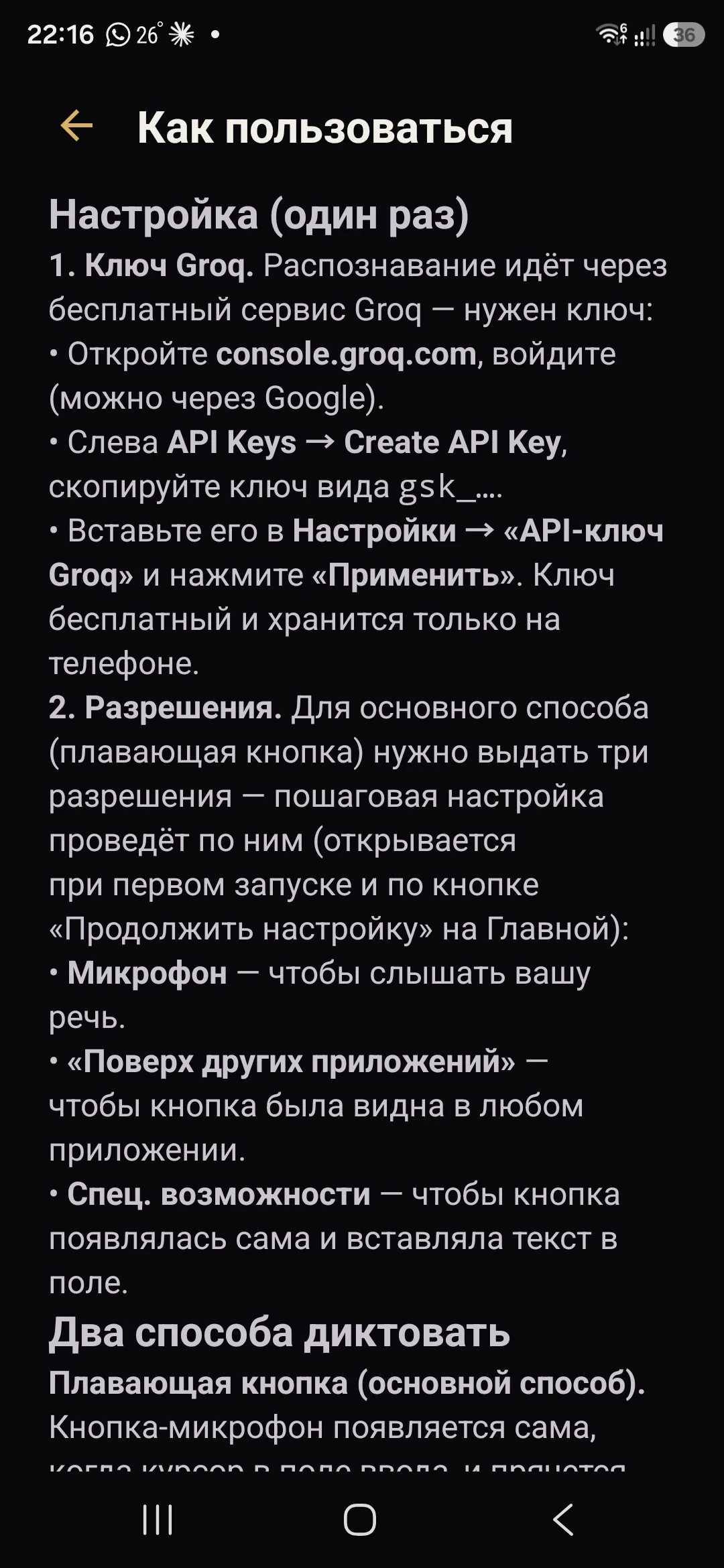
Windows and AndroidThe first run walks you through the steps and does not move on until a step actually works: the key is verified with a live request instead of merely being saved.
- On Windows, five screens: the transcription key, the cleanup model key with a connection test, and a walkthrough of what the app does to speech
- On Android, a checklist of four required permissions, each re-checked when you come back from the system settings
- Samsung and Xiaomi get hints written for their own settings screens, including the "the toggle is greyed out" case
A failure does not eat your recording
Windows and AndroidThe network dropped, the key expired, the service returned an error — what you said is still not lost.
- The audio of a failed attempt is kept on the device: on Android you can retry it with one tap, on Windows the file stays in the recordings folder
- The key is verified with a live request during setup, and Windows will not start recording if there is no key at all
- If the cleanup model is unavailable, Windows retries on a fallback model and only then inserts the unedited text — instead of an error
Your keys, your provider
Windows onlyBy default transcription and cleanup go through Groq on your key. On Windows you can switch to OpenAI or point the app at any compatible address — including a model running on that same computer, if you would rather send no text outside at all.
- Keys are kept in the Windows credential store, not in the settings file
- Each provider can be tested from settings, with the latency shown in milliseconds
Nothing extra inside
Windows and AndroidIt is shorter to list what the app does not have — because that is usually what causes the trouble.
- No account, no sign-up
- No telemetry and no analytics: the app reports nothing about itself anywhere
- No auto-update — the app never downloads or runs new code on its own
- No subscription and no paid tiers
The app is free and needs no account. Speech is transcribed by Groq on your own key — the free tier goes a long way.